



We’re often asked why someone would buy a touchscreen data logger over a standard one. After all, the touchscreens do cost more than a non-touch alternative, so what makes it worth it? This is a great question and there are many reasons our customers choose to purchase touchscreens and we’re going to cover many of those here.
So, why might someone choose a touchscreen? We’ll start off at a high level with these:
- They’re a great way to transition from chart recorders to data loggers
- No consumables
- They’ve got a large interactive display that allows for interacting with historical data at the point of monitoring
- They allow different ways to view the data based on your application
- You can connect more than one replaceable sensor
- Integrate with other notification options like a Building Management System or stack light
- There’s a Power over Ethernet (PoE) option available
- They offer more control over permissions
- Auditor appeal
That’s a short list that could be at least twice as long, but I’m on a strict word count so let’s dive into a few of these in greater detail.
Transitioning from Chart Recorders to Data Loggers
If you think about a chart recorder for a minute, they are larger devices, sometimes with a display, and a chart that offers you the ability to view historical data in 1-day, 1-week, and 1-month durations. Our touchscreens aren’t that different. In fact, they offer all that and more. Plus, they cost less than most of our chart recorders.
All three models of touchscreens offer large 8-inch displays that allow you to view historical data in nine increments ranging from 1-hour, to 1-year, or even all the data the device has collected throughout time. Plus you can switch between different views, but more on that later.
No consumables
Because the touchscreens are digital, there’s no need to purchase charts and pens for the device. All the data is stored on the device’s internal memory (~1MM sample points) or you can optionally connect the device to DicksonOne (our cloud-based temperature and humidity monitoring solution) and have all that data automatically backed up in the cloud.
Large interactive display lets users view and interpret data AT the point of monitoring
Whether you are using DicksonOne or not, some applications require the ability to view and interact with the data at the point it is being collected.
A great example of this is food production, in particular, smoking meats. I recently visited a customer where they were using our touchscreens in conjunction with a smoker to know whether the salmon they were smoking had reached the necessary temperature and time requirement to ensure the food was safe for consumption.
Another great example is in a laboratory. Often times laboratories are running processes where the ambient temperature must be maintained for the duration of that process and the touchscreens offer a quick visual of whether or not the conditions have remained within the necessary parameters or not over the length of said process.
Some users have referred to the device as “iPad-esque” and while an iPad offers a bit more freedom in how it can be used, you can pinch-to-zoom and swipe back and forth through your data to get to the level of detail you require.
Change the View
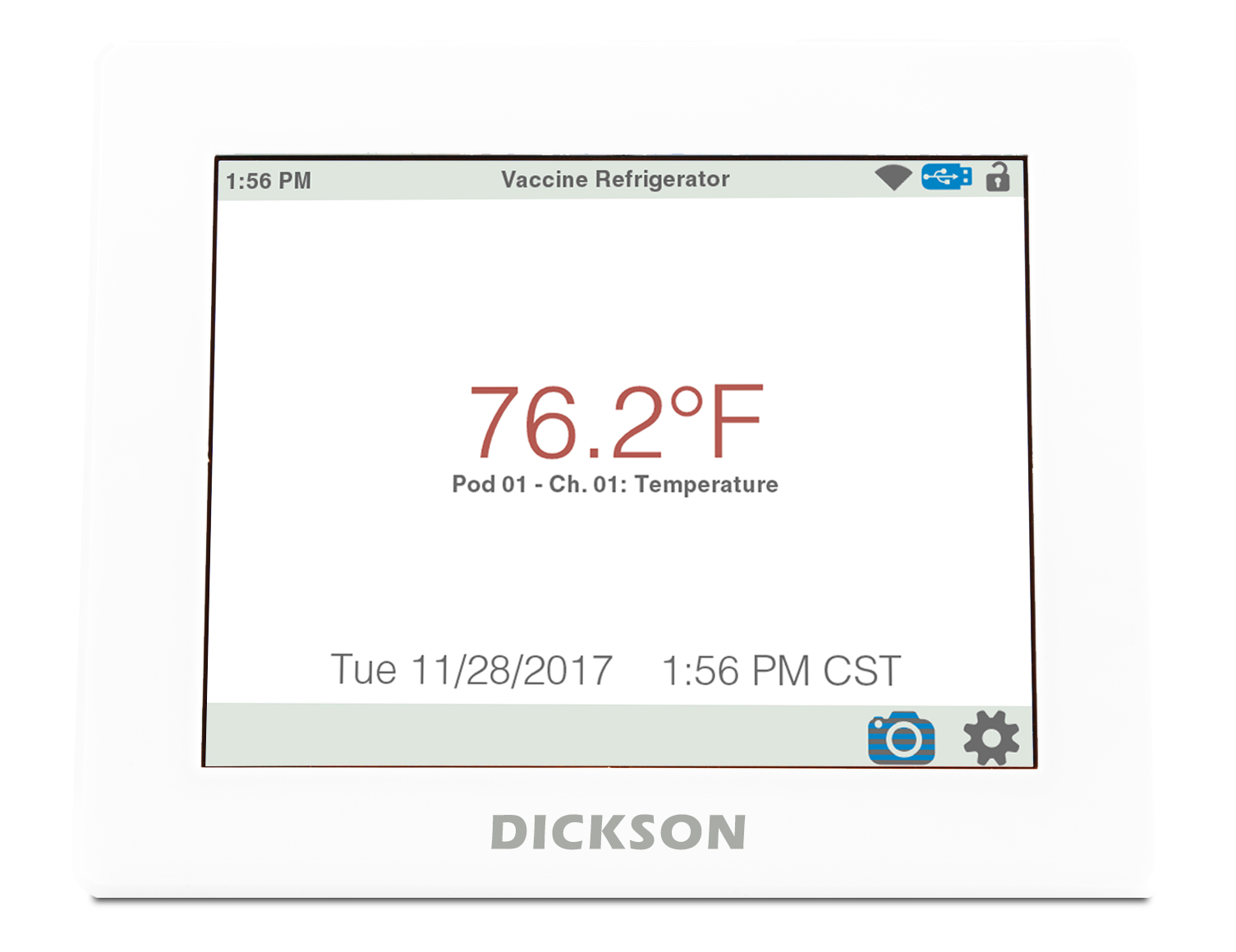

Touchscreens offer different layouts and ways to view the data. Need to see a trend over time? Use the graph view with one of nine levels of granularity. Need to see the current conditions from farther away? Use the text view to see values in a warehouse or in from outside a clean room (no need to gown up).
The benefits of a touchscreen are numerous and varied while still offering a surprising amount of features and flexibility as a data logger, and we’ve only scratched the surface here. If you still aren’t sure what’s right for you, call us to discuss how you’re currently monitoring your applications and we’ll work with you so you can determine what products best fit your needs whether that’s a touchscreen, basic data logger, or even what you’re already using.
Check back in a few weeks for part two of our Touchscreen discussion, in our ongoing Removing the Haze series on the cloud and new technologies, where we’ll discuss its features. Can’t wait? Pick up an issue of Insights for more information on our Touchscreen options, or call us at (630)543.3747 to discuss its abilities with one of our certified product experts today!
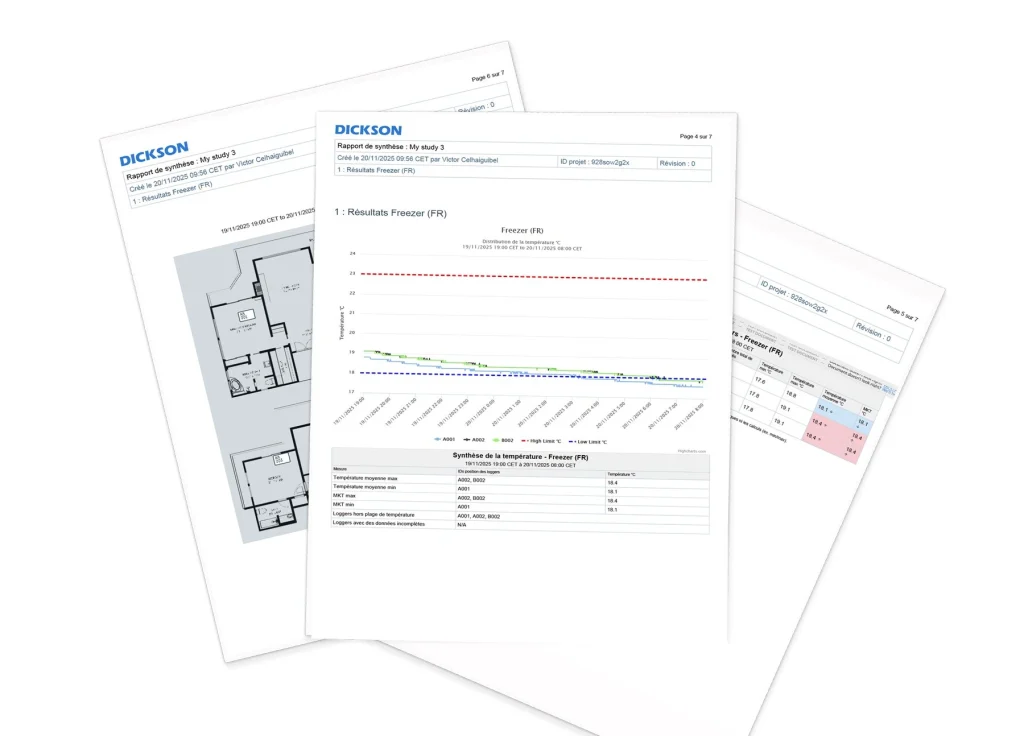
How to Place Data Loggers for Mapping Studies and 3 Ways Dickson Can Help
When it comes to temperature mapping, these two questions create the most confusion: how many loggers do I need, and where exactly should they go?…
How Compounding Pharmacies Can Build a Defensible Differential Pressure Monitoring Program
For years, differential pressure sat in the background of compounding pharmacy monitoring programs — tracked less consistently than temperature and humidity, and enforced less rigorously….
What to Look for in a GxP Metrology Partner for Pharmaceutical Manufacturing
In pharmaceutical manufacturing, there are moments that reveal whether your monitoring vendor is also a true GxP metrology partner. A temperature sensor found out of…

4 Features That Set the Cobalt X Data Logger Apart in Multi-Environment Facility Monitoring
Regulated facilities aren’t simple environments. A single floor might contain ultra-low temperature freezers, CO₂ incubators, a cleanroom, and a cold storage room with different temperature…
Ready to chat?
Talk To A Specialist
Our trained team of professionals is ready to help you through the compliance process from start to finish. Reach out today to start the conversation. Call (630) 563-4209 or send us a message.