


Digital Data Logger Vaccine Monitoring Guidelines
To protect vaccines, organizations such as the WHO and CDC now strongly recommend continuous temperature monitoring using digital data loggers. Learn how you can deploy a robust vaccine monitoring system for your facility using vaccine data loggers.

 What is a vaccine data logger?
A vaccine data logger or digital data logger (DDL) is an electronic device that continuously reads and records environmental parameters like temperature or humidity data over time during every stage of the cold chain.
 What can be recorded by data loggers?
 What can be recorded by data loggers?
Having a sensor and internal memory chip, a digital data logger can monitor and record different environmental parameters over time like temperature, pressure, relative humidity, AC/DC current and voltage, dissolved oxygen, etc.


 What is a data logger for vaccine fridge?
 What is a data logger for vaccine fridge?
Vaccine fridge data loggers are in-built or deployed within fridges to collect temperature data of vaccines over time and trigger alerts when temperatures go outside of recommended ranges.
How do you use a digital data logger?
 Configure and Activate
 Configure and Activate
During the setup process, you will configure the vaccine data logger display, temperature scale, frequency of recording the temperature, and alarms.
To configure your digital data logger, you may need to use the USB port to connect the data logger to a computer. Some data loggers can be configured and launched wirelessly after deployment using certain software.
 Secure and Deploy
 Secure and Deploy
Deploy your digital data logger in the vaccine storage unit (freezer / refrigerator). The digital data logger monitor must be placed on the outside of the vaccine storage unit while the buffered probe is placed inside the storage unit, centrally located with vaccines.


 Access or Download Data
 Access or Download Data
Current temperature and min/max temperature on the vaccine data logger needs to be checked and recorded twice daily. Data can be downloaded and saved weekly by connecting the vaccine data logger to your computer.
With cloud-enabled digital data loggers, temperature data is automatically delivered to the cloud for easy access through a web or mobile application.
 Process and Analyze Data
 Process and Analyze Data
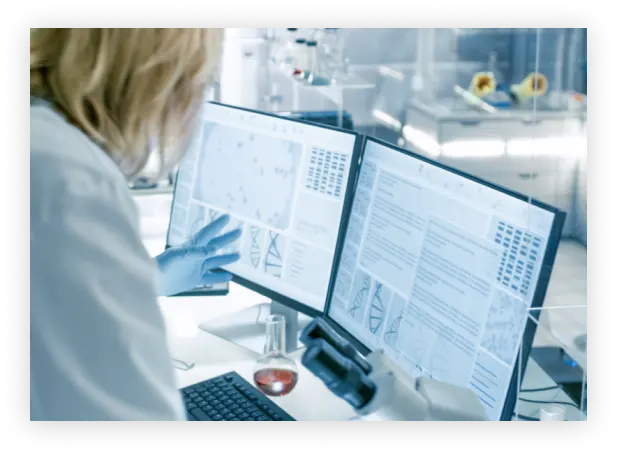
The data logger’s temperature monitoring software enables you to review and compare temperature data and temperature profiles over time. Data can be presented in graphs or tables and can be exported to a spreadsheet for further data analysis.
